Approved channels only
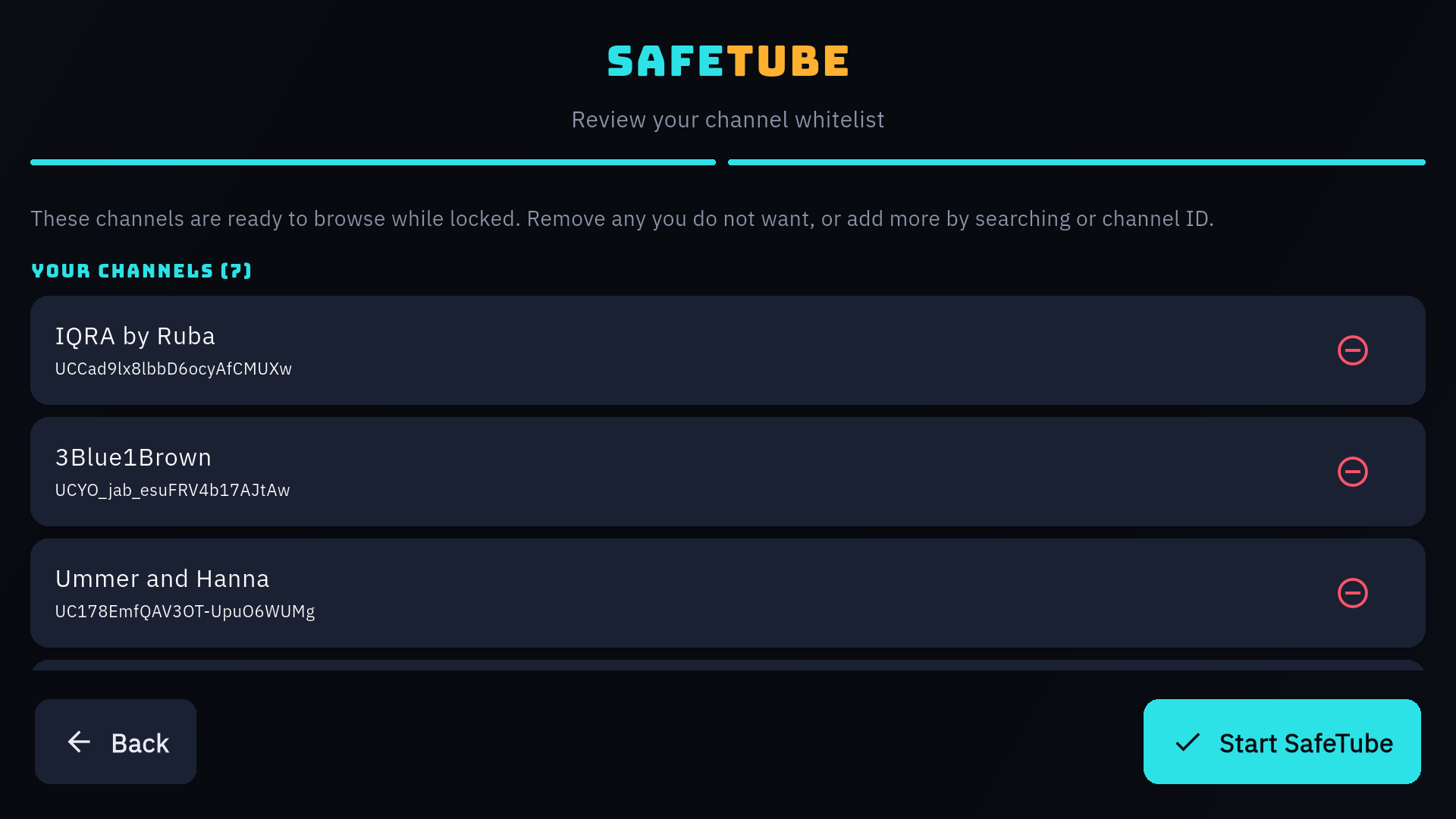
You build the whitelist. Kids browse and play from that list — never an open discovery feed full of whatever the algorithm picked today.
Live on Google Play & App Store · free to try in your browser
SafeTube is a parental-control video player. You approve a channel list, your kids pick from it — and nothing else gets in. Settings stay locked behind your parent PIN.
Open it right now in a browser, install the Android app, or wait a little for iOS. Same approved-channels-only experience everywhere.
Works on a laptop, tablet, or smart-TV browser. Nothing to download — open it and set your channels.
Open the player Available nowThe full app for phones, tablets, and Android TV — with guided setup, saved settings, and remote-friendly navigation.
Get it on Google Play Available nowThe same parental-control player for iPhone and iPad — parent PIN, approved channels only, and optional dual screen for siblings.
Download on the App StoreEverything in SafeTube exists to keep kids inside the channels you trust — and to keep the controls out of their hands.
You build the whitelist. Kids browse and play from that list — never an open discovery feed full of whatever the algorithm picked today.
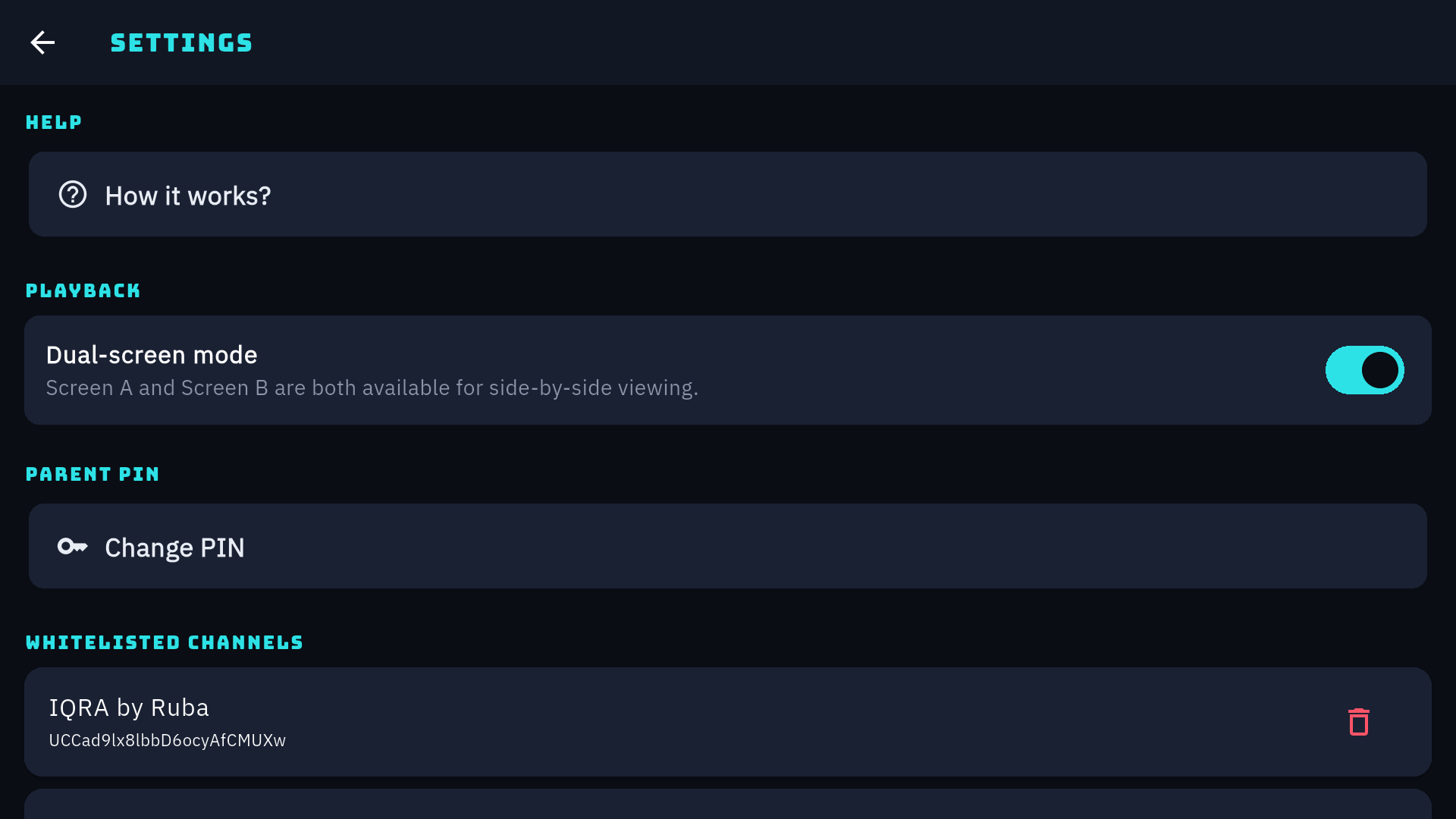
A 4-digit PIN you set during setup guards Settings and channel approval. Kids can watch, but they can't change the rules.
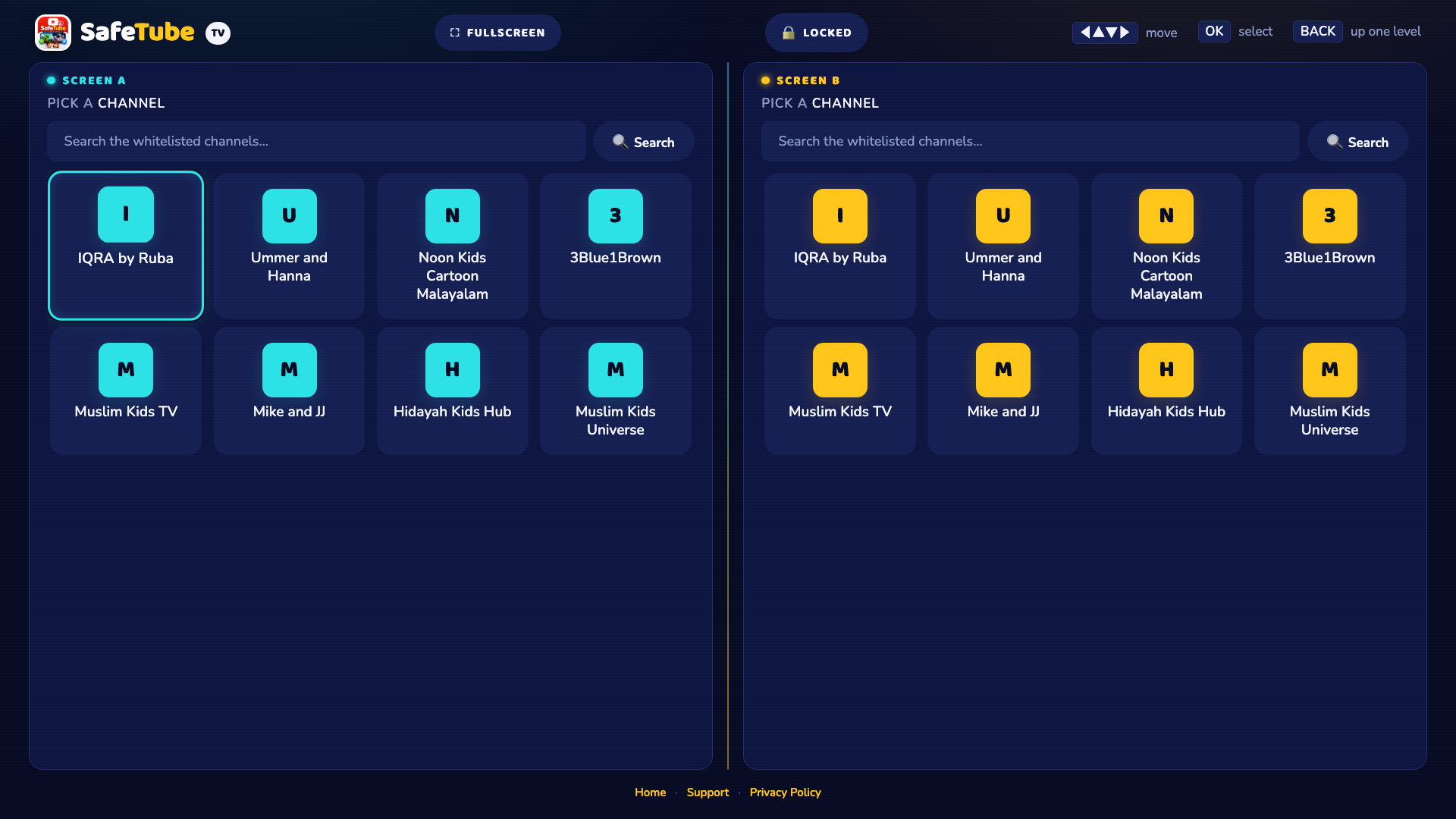
Turn on Screen A and Screen B so two kids can watch different approved channels side by side. One device, no arguing.
No autoplay rabbit holes into channels you never approved. What ends is the video — not the start of a three-hour detour.
A native Android app with a layout for each screen size, including remote-friendly TV navigation. Or use the browser on the big screen.
Your PIN and channel list stay on your device. There's no SafeTube login to create and no profile for your child.
Dual-screen mode splits the player in half. Screen A and Screen B each pick from your approved list on their own, with independent playback and audio you can solo.
Pick a 4-digit code during setup. It's stored on your device and it's the only key to Settings.
Search for the channels your family trusts and add them to the whitelist. Change it whenever you like.
Kids open SafeTube and see only your list. Turn on dual screen if two of them are sharing.

Try the browser version in seconds, or install the Android or iOS app.